Take a peek
A look at the countdown and widgets.
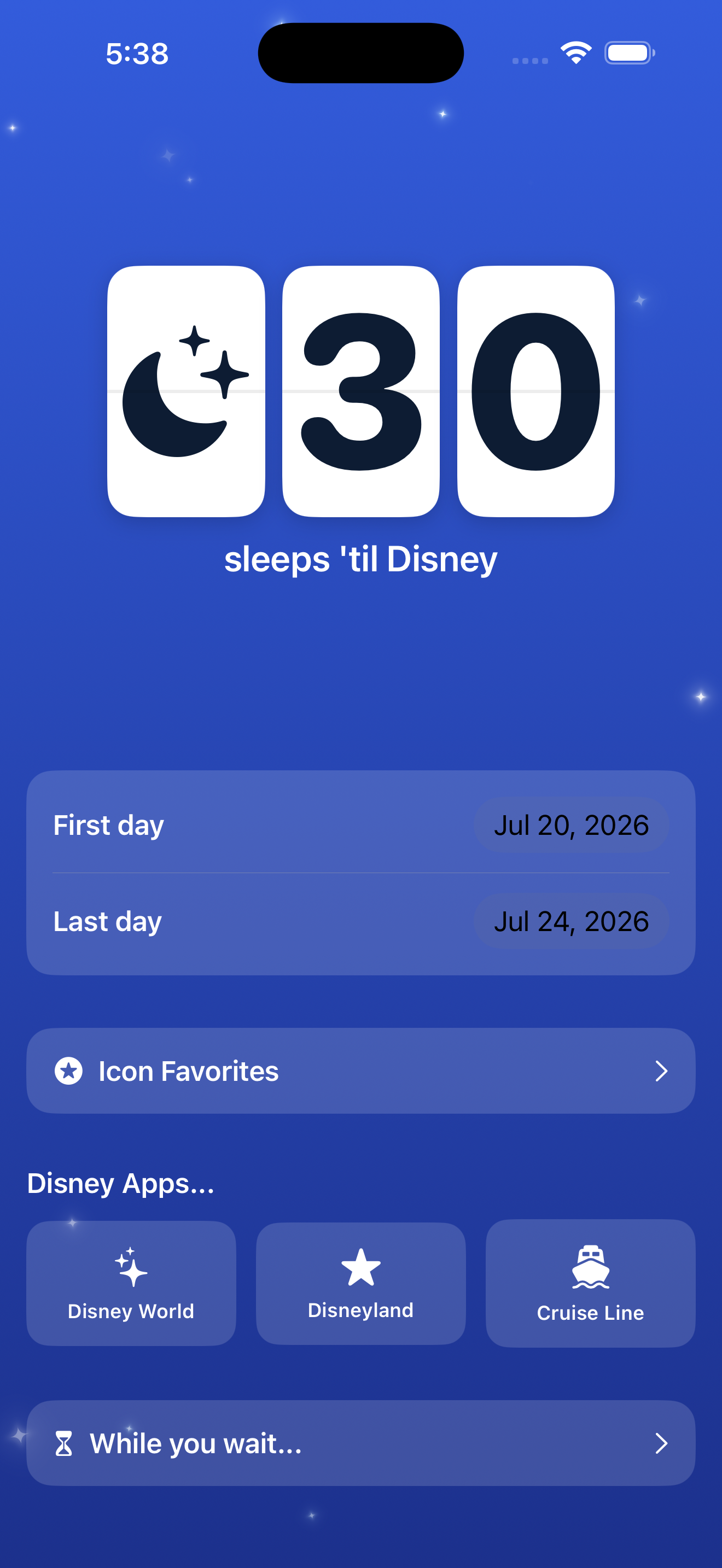
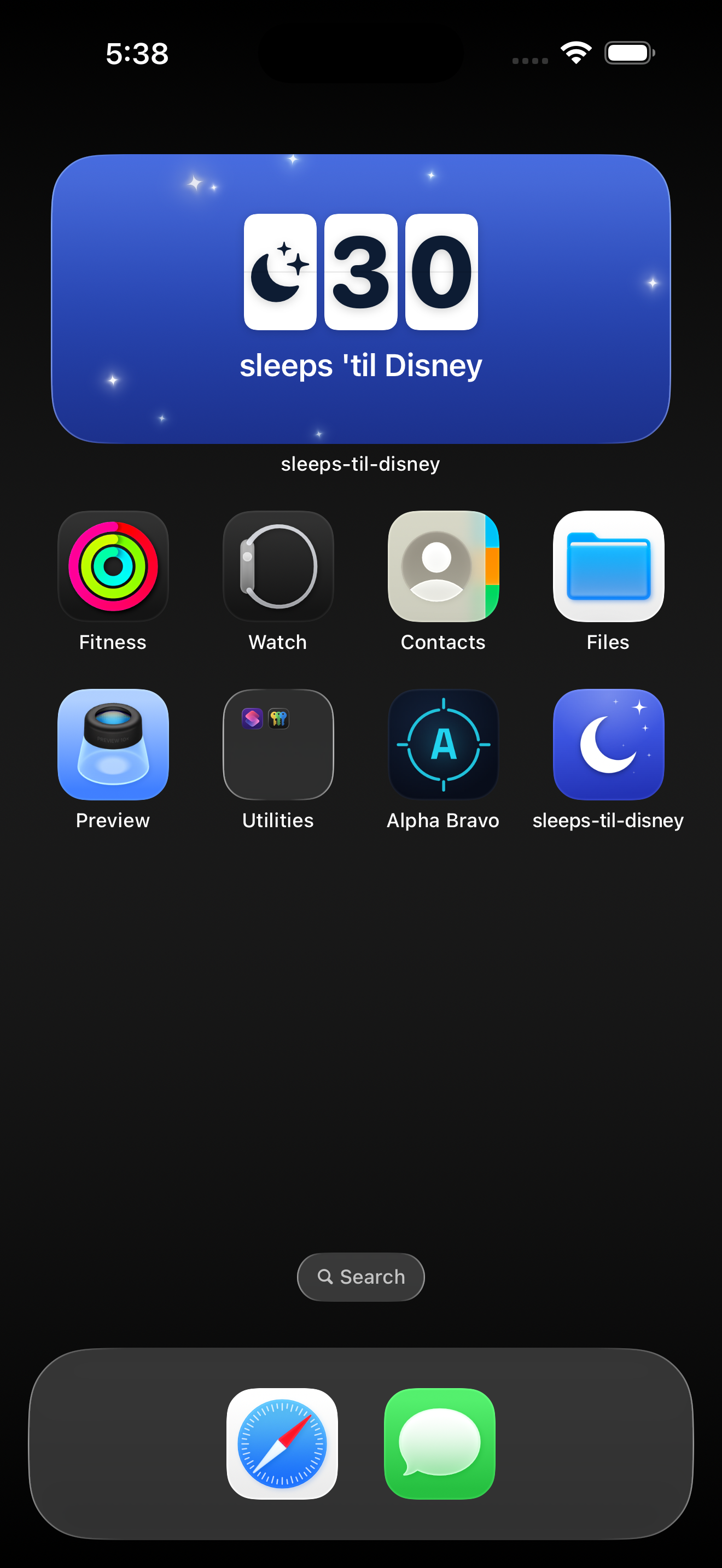
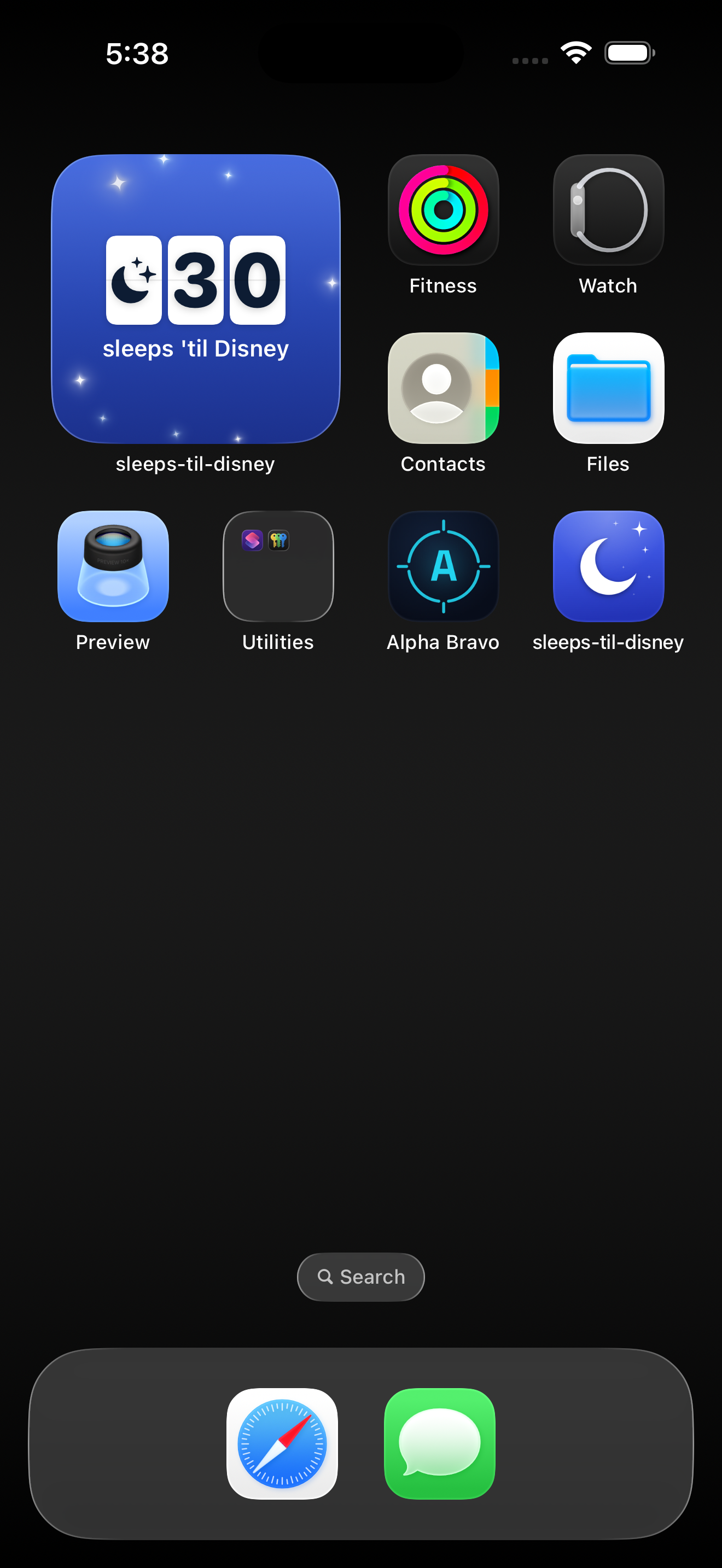
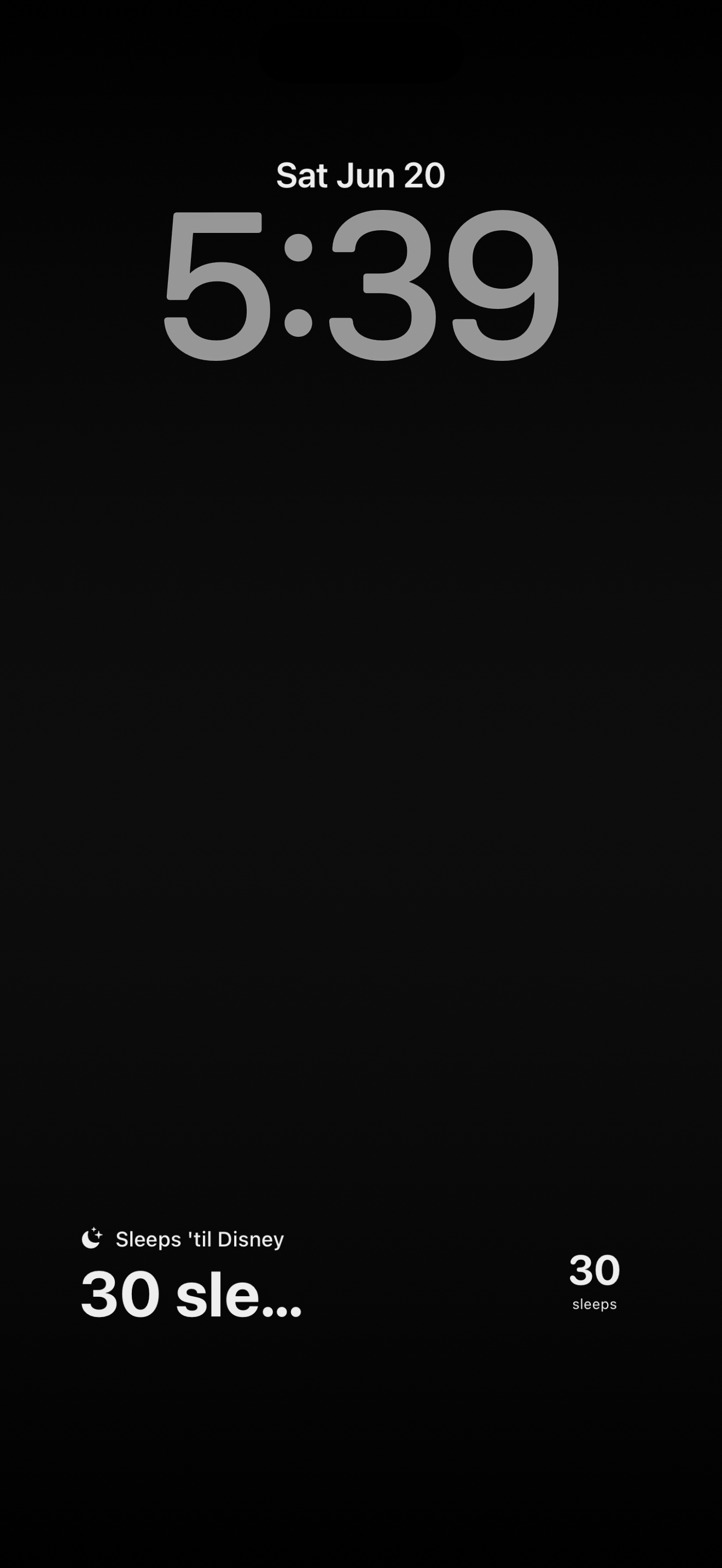
Count the sleeps until the magic.
A simple, magical countdown for your next Disney trip.
A focused little app that does one thing beautifully — turns the wait into part of the fun.
A charming split-flap display counts the sleeps (nights) until your trip — it ticks down every midnight.
Keep the countdown a glance away with widgets for the Home Screen and Lock Screen, in multiple sizes.
A rotating cast of 28 theme-park silhouettes — moon, castle-night, fireworks, monorail and more. Pick your favorites.
As the big day nears, a little magic appears — gentle twinkling stars that build the excitement.
Set your trip’s start and end. The app celebrates while you’re there and welcomes you home after.
Jump to the official Disney apps, and find “While you wait” ways to get into the spirit before you go.
A look at the countdown and widgets.
Questions, feedback, or a bug to report? We’re happy to help.
Email sleeps-til-disney@oopsydokey.com and we’ll get back to you. Please include your device model and iOS version so we can help faster.
Open the app and tap the First day and Last day date pickers. The countdown and widgets update right away.
Home Screen: touch and hold an empty area, tap + (top-left), search “Sleeps 'til Disney”, choose a size, then Add Widget.
Lock Screen: touch and hold the Lock Screen → Customize → Lock Screen → tap a widget area → pick “Sleeps 'til Disney”.
The countdown shows whole sleeps (nights) and ticks down at midnight — so a trip “tomorrow” reads as 1 sleep.
Yes. When your countdown is under 100, open Icon Favorites in the app and select the silhouettes you like — the countdown (and your widgets) rotate daily through your picks. Choose none to use them all.
Effective date: [Month DD, YYYY]
Sleeps 'til Disney does not collect any personal information, and never asks you to create an account.
Your trip dates and silhouette favorites are saved only on your device (in the app’s on-device storage, shared with its widgets). This information stays on your device and is never sent to us.
To understand how the app is used and improve it, we use Mixpanel to collect limited, anonymous usage analytics — for example, when the app is opened and when a widget is tapped. This may include a randomly-generated identifier and basic device/usage information. It is not linked to your identity, and your trip details are not included. We do not sell your data or use it for advertising.
The app offers optional shortcuts to third-party apps and websites (such as the App Store, Apple Music, YouTube, and smallday.app). If you tap one, that service’s own privacy policy applies. We don’t share any information with them.
The app is family-friendly and does not knowingly collect personal information from anyone, including children. The anonymous usage analytics described above contain no personal information.
If this policy changes, we’ll update this page with a new effective date.
Questions about privacy? Email sleeps-til-disney@oopsydokey.com.